How to join a live conference broadcast
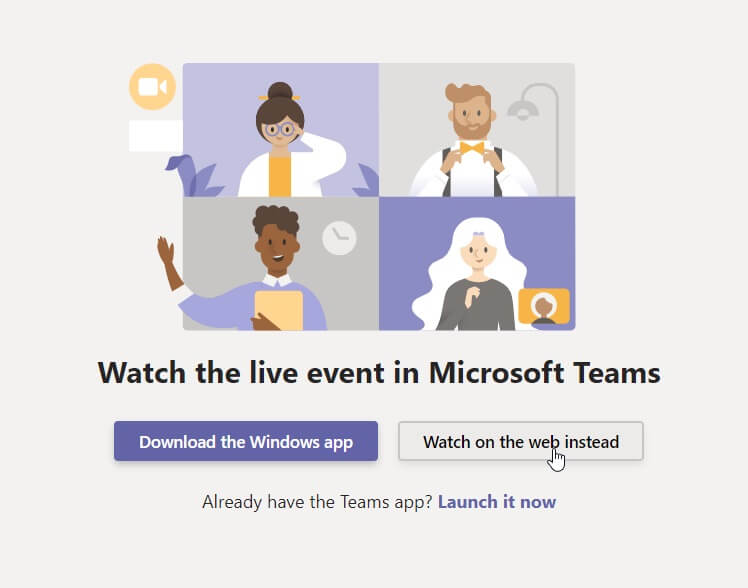
- Open the link (from the registration confirmation email) in a web browser, supported browsers are Microsoft Edge 12+, Internet Explorer 11+, Chrome 51.0+ and Firefox 47.0+
- If you already have MS Teams installed, the browser will prompt you to open it. If not, select „Watch on the web instead“ and „Join anonymously“
How to raise a question (Q&A) during the event
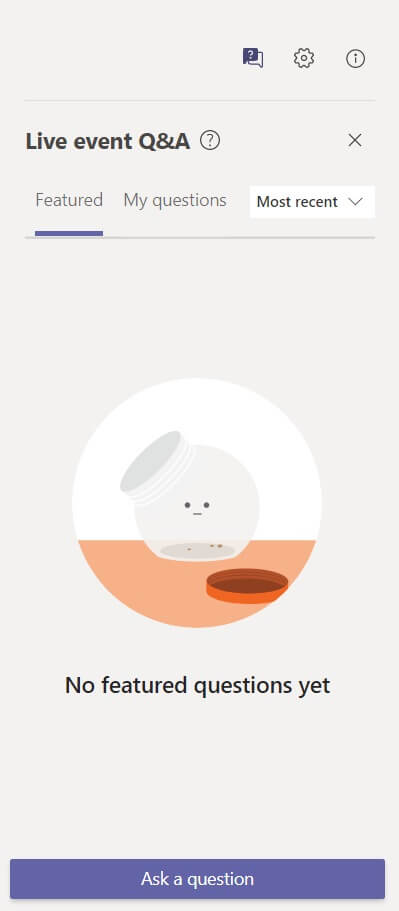
Our presentations are interactive, so take the opportunity to raise questions to our speakers.